- Help & Support


Start the installation
01.
First, grab your QR code
It’s in the email linked to your PACI ID. Have it open and ready before you start.

02.
Then, into Settings
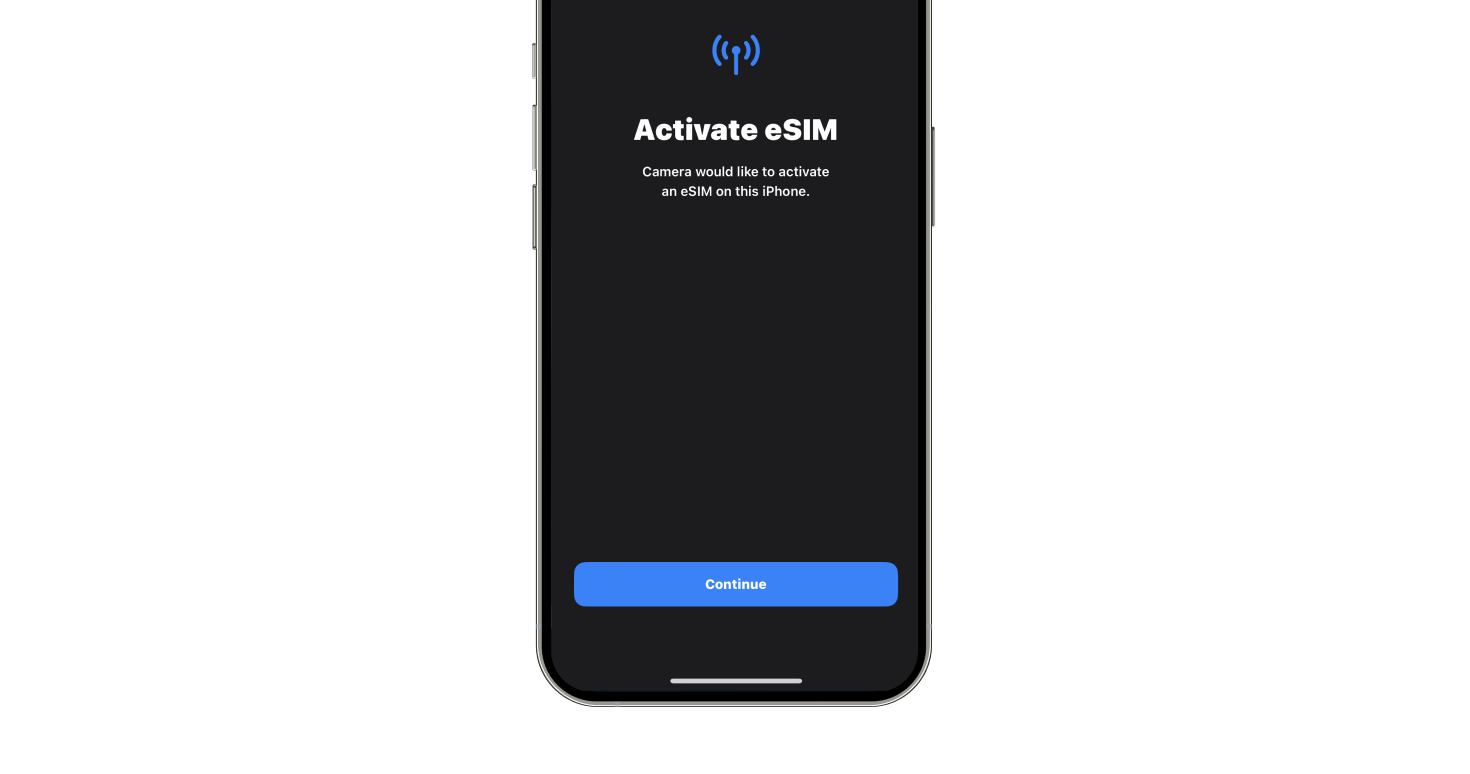
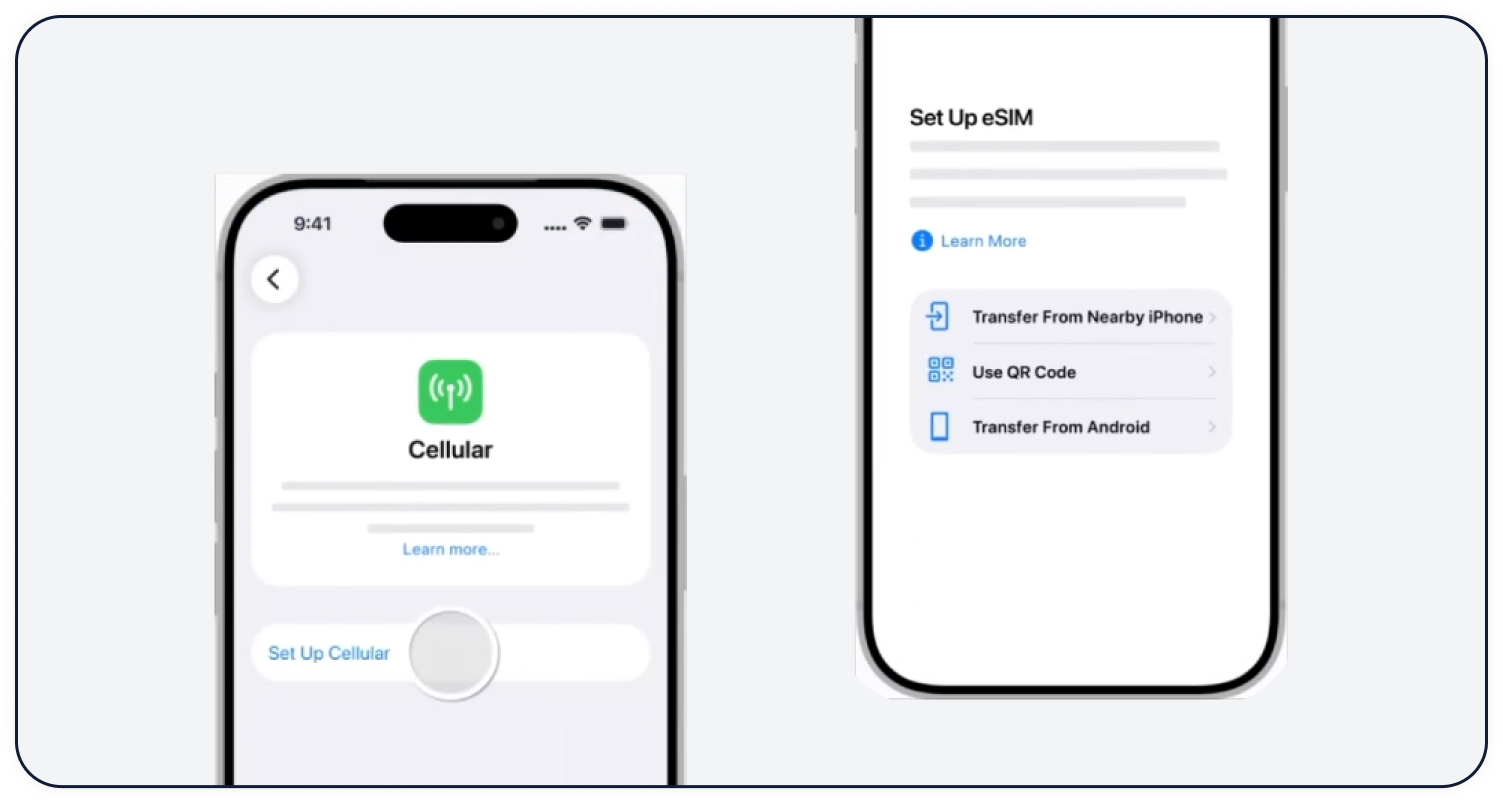
Go to Settings > Cellular > Add Cellular Plan. Scan the QR code from your PACI email — your camera launches automatically.
03.
Almost there
Just follow the prompts on your screen and your eSIM is good to go.